
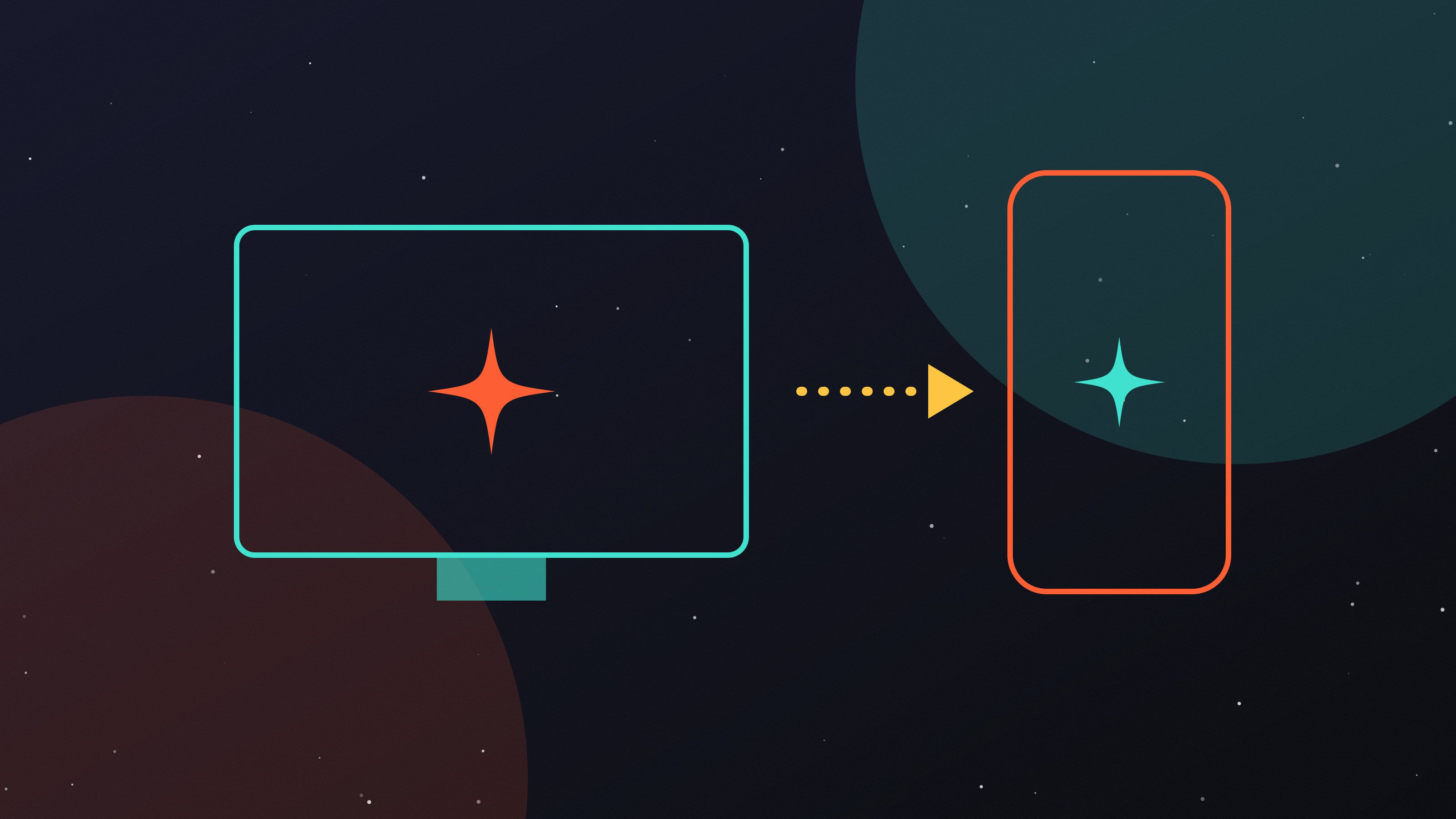
A port is not a copy. It is a translation, and like any translation, the goal is to preserve meaning, not words.
1. Redesign controls, don’t remap them
Mapping hotkeys to on-screen buttons creates clutter. Instead, ask what the player is trying to do and design a touch interaction for that intent.
2. Thumbs have reach zones
Primary actions belong where thumbs rest. Secondary actions can live higher up. Destructive actions should be hard to hit by accident.
3. Budget performance from day one
Set frame-time, memory and thermal budgets for your minimum-spec device before writing a line of code.
4. Sessions are shorter
Add save-anywhere and quick-resume. Mobile players are interrupted constantly.
5. Text must scale
Plan for larger fonts and localisation expansion from the start, or you will rebuild every screen twice.
6. Test on real devices
Emulators lie about thermals, touch latency and memory pressure. Our device lab is the most valuable room in the studio.
7. Respect the original
Players chose this game for a reason. Protect its core feel above everything else.
Planning a port? Talk to our co-development team.